
What’s New (v6.2.47)
Direct Siri Vehicle Control
- On iOS 27, you can check and control your Tesla with short, natural Siri requests, even when Stats is not on screen.
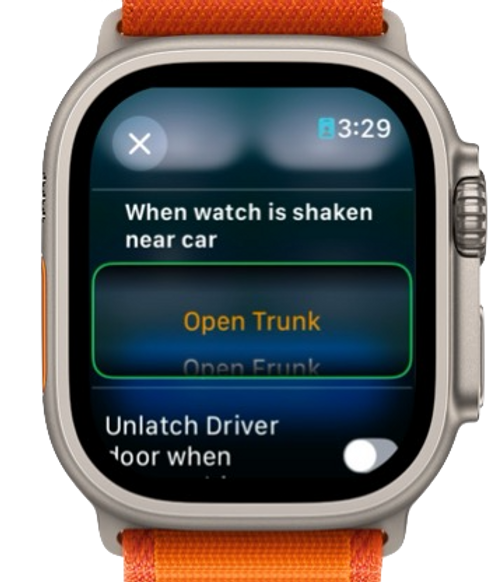
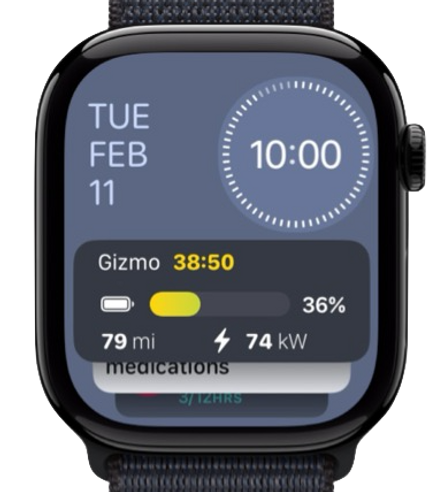
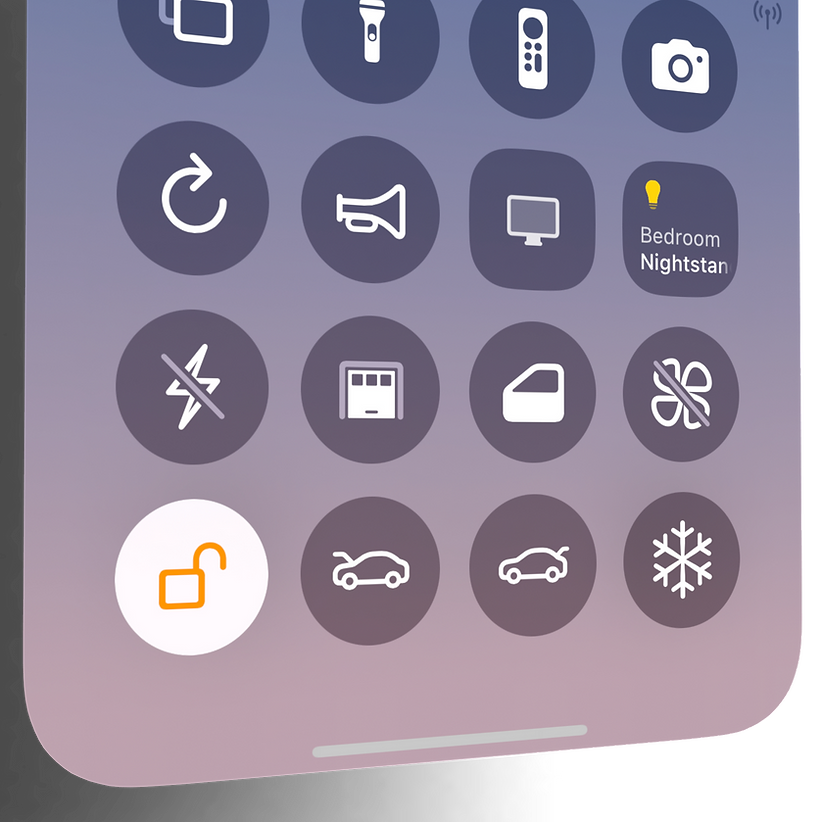
- Ask for vehicle status, start climate preconditioning, vent or close the windows, lock or unlock the car, or open the trunk or frunk.
- Use your vehicle's name, or say "my car," "my Tesla," or "the car" when you have one vehicle.
- Siri understands several variations using "in Stats," "with Stats," or "using Stats," so you do not need to memorize one exact phrase.
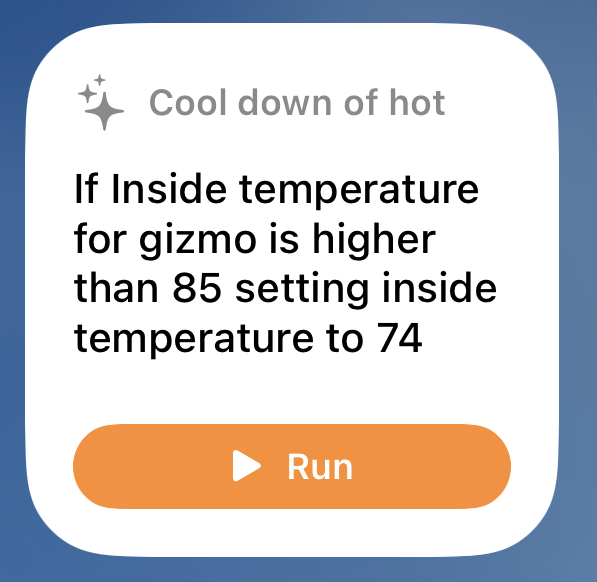
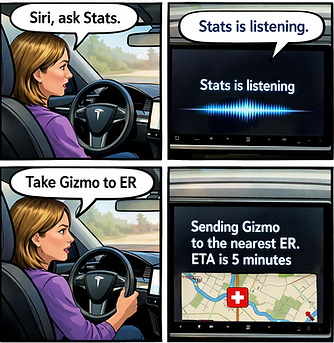
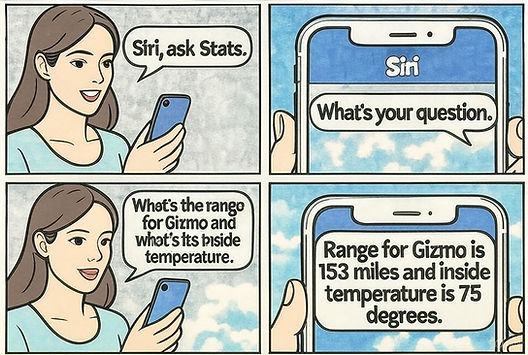
- Stats also has another Siri integration for more complex natural-language commands. Invoke it by saying "Siri, ask Stats," then describe what you want the car to do.
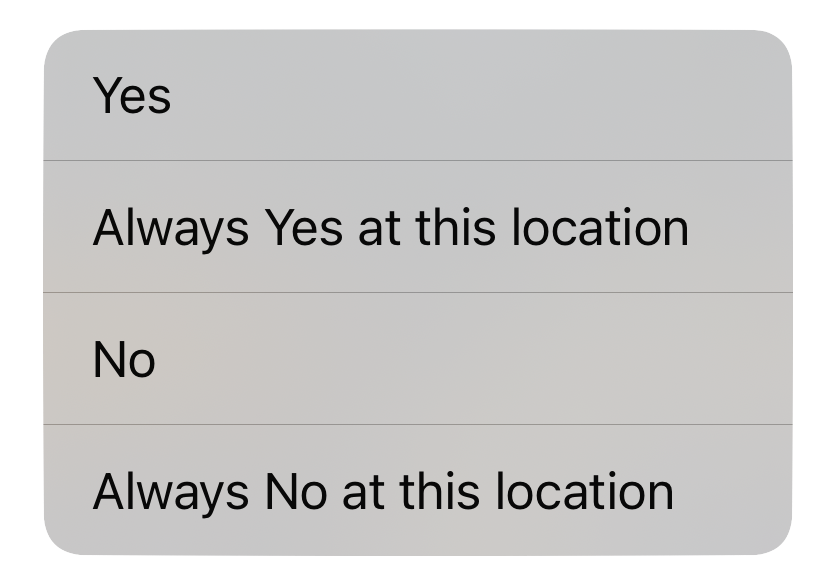
- Unlocking, moving windows, and opening the trunk or frunk require confirmation before the command runs.
 Ask Siri with Stats
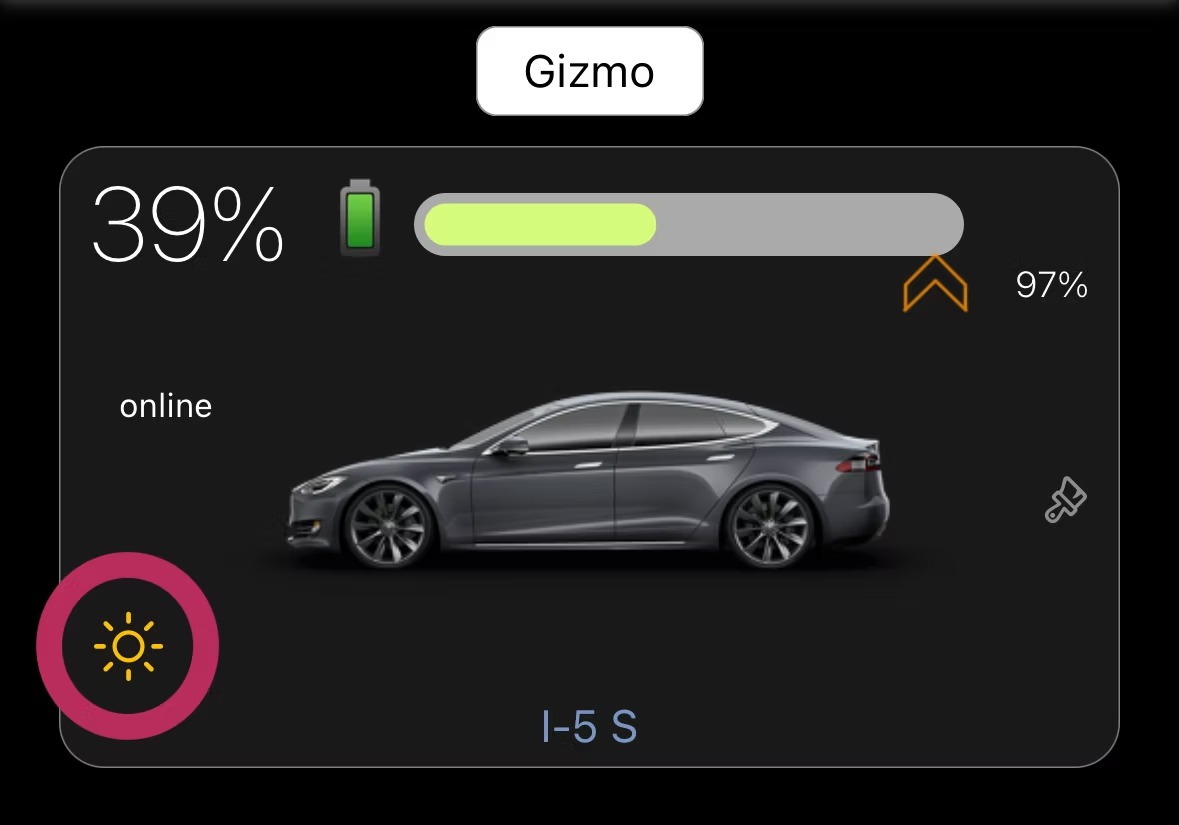
“Check Gizmo in Stats”
“Precondition Gizmo with Stats”
“Close windows for Gizmo with Stats”
“Unlock Gizmo with Stats”
“Pop the trunk on Gizmo with Stats”
“Pop the frunk on Gizmo with Stats”
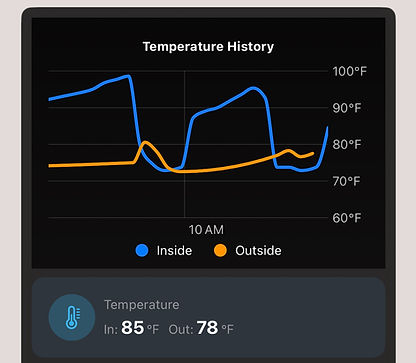
Complex natural-language commands Stats also has another Siri integration for more complex requests. Say “Siri, ask Stats,” then try: “Set the temperature for Gizmo to 72 if the inside temperature is higher than 85”