

Tesla control, charging, automation, and analytics
Your Tesla, deeper and smarter.
Stats for Tesla brings together AI Command widgets, live charging controls, Siri natural-language commands, Apple Watch actions, smart automations, and deep vehicle analytics in one polished app designed for people who want more from their Tesla.
- Official Tesla API support
- Tesla-hosted sign-in
- AI Command widgets for Home Screen and Control Center
- Battery health, trips, charging, and automation
Support
Need help with Stats?
The best place to start is the Support button inside the Stats app. It helps route your request with the right context and is the fastest path for most issues.
If you still need to reach out directly, email us and include a short description of the issue, your Tesla model, and any relevant screenshots or steps.
Open controls, trigger quick actions, and keep key Tesla functionality close even when your phone is not in your hand.
Social proof
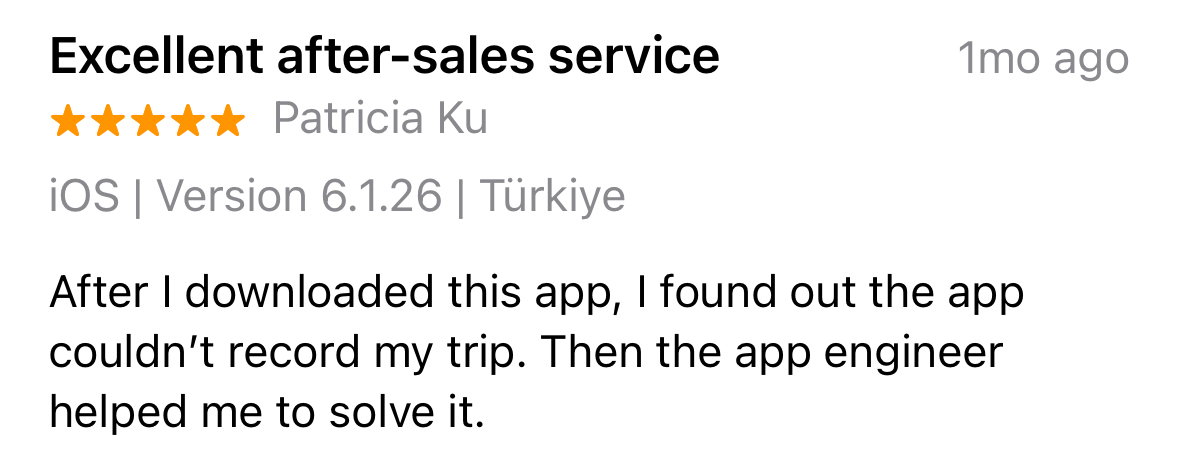
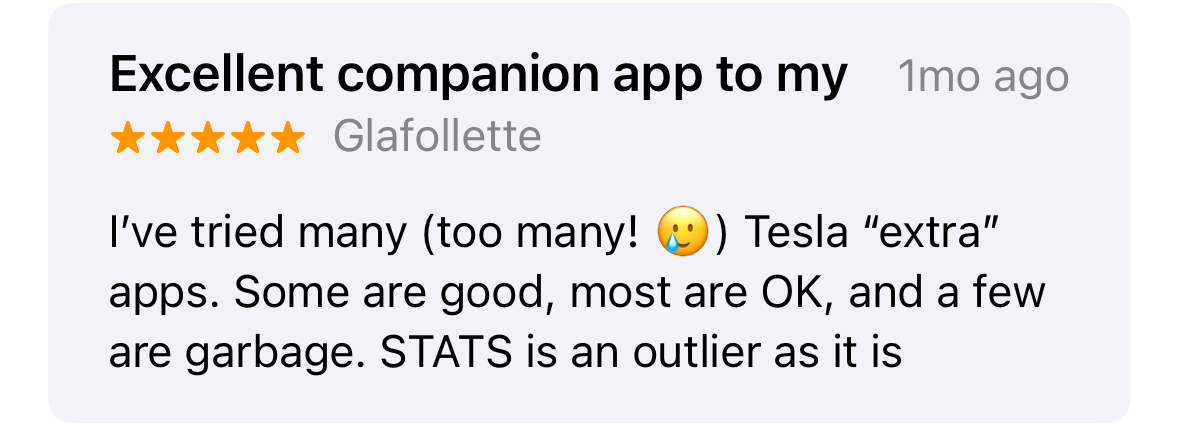
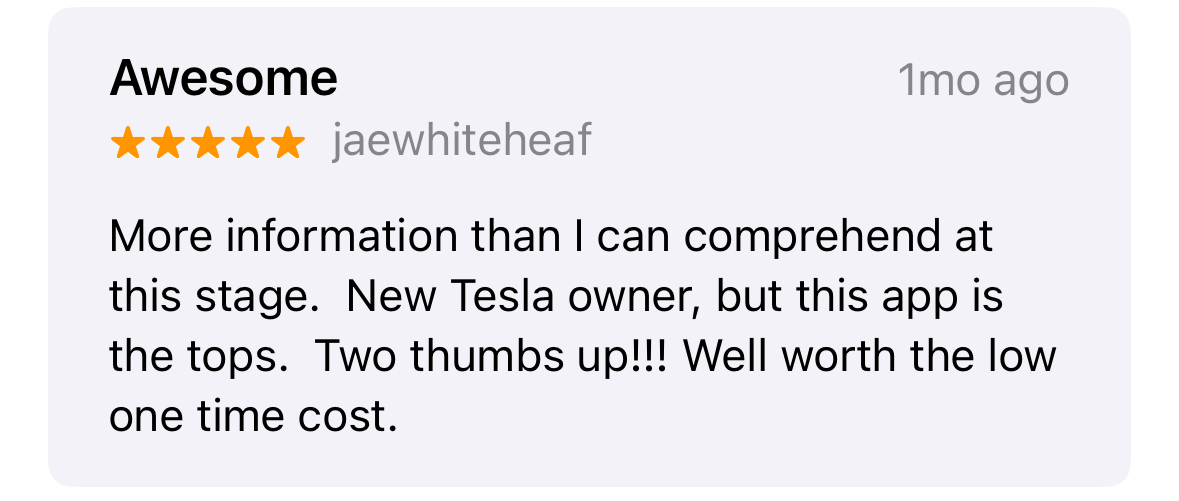
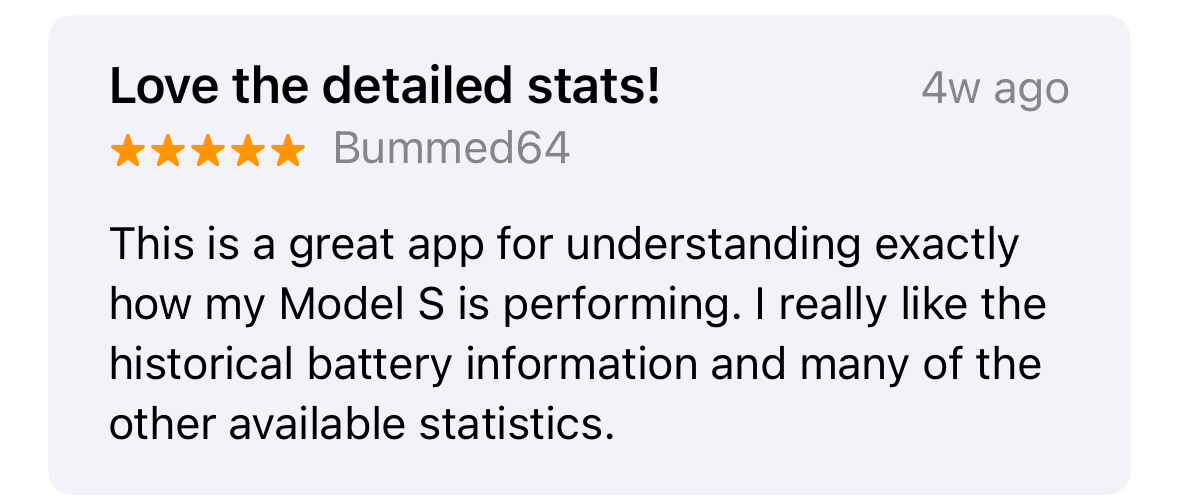
Loved by Tesla owners who want more than the default view.
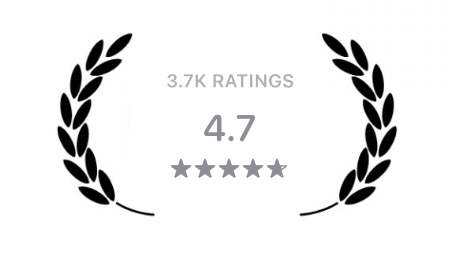
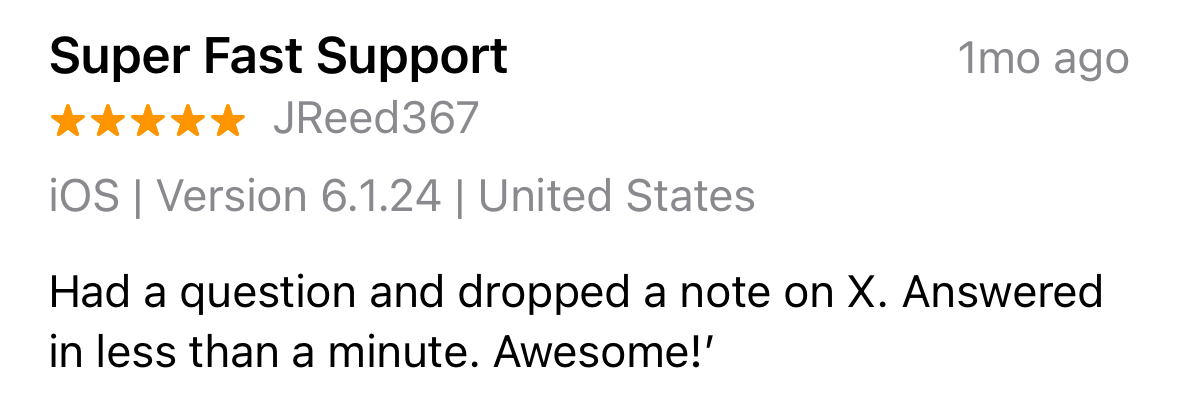
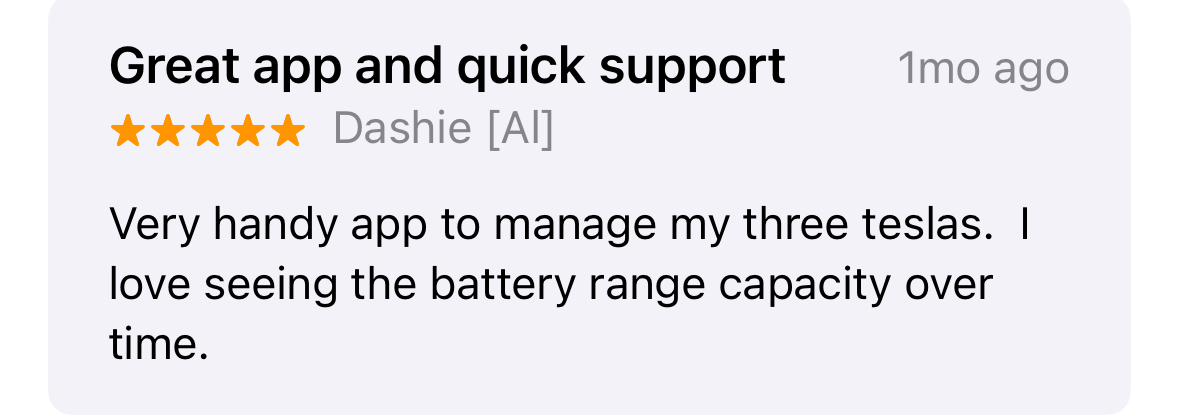
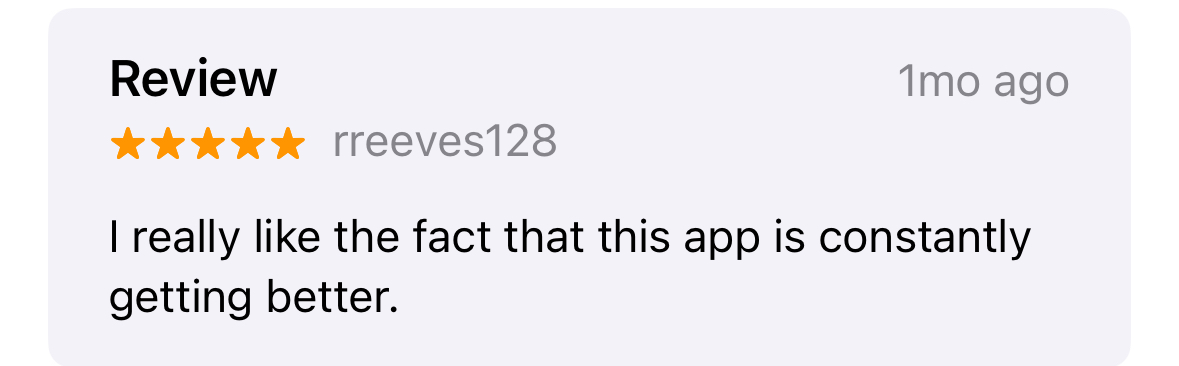
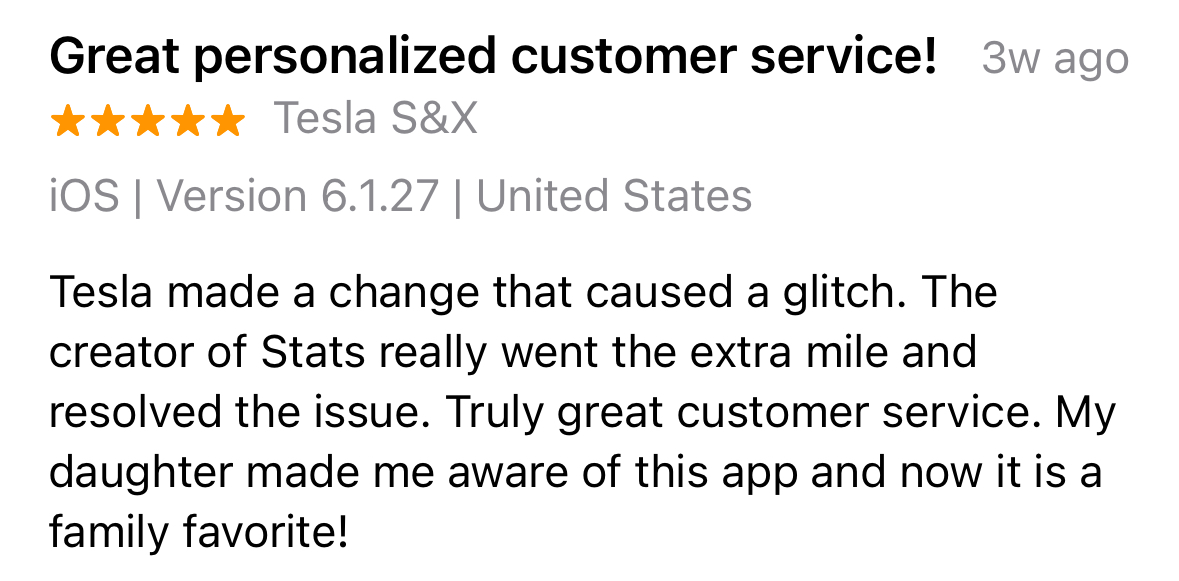
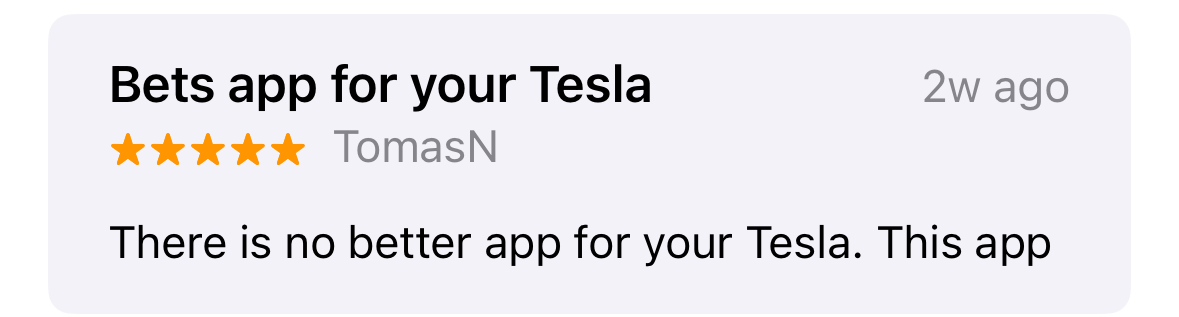
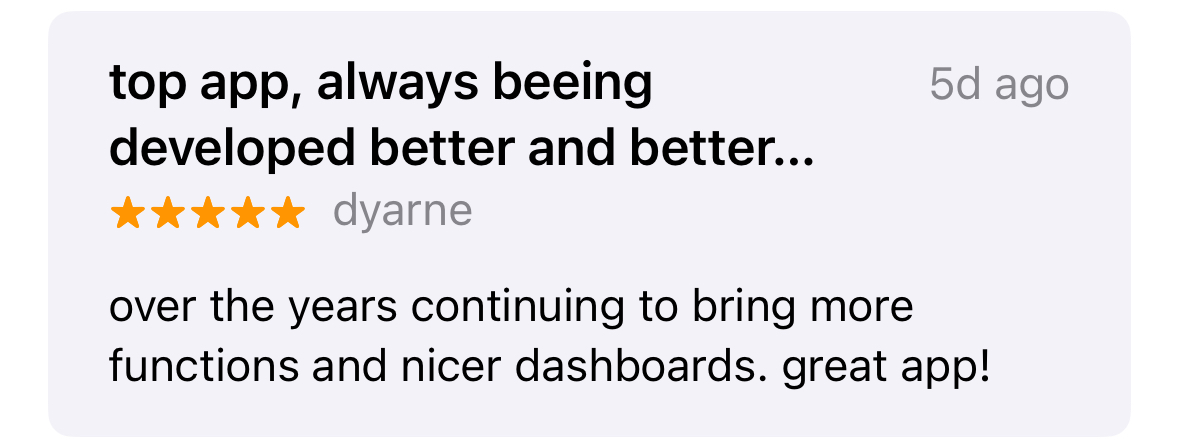
Real reactions from Stats users, plus the App Store rating that reflects years of daily use by Tesla owners.
Owner sentiment
Built a loyal following among detail-oriented Tesla drivers.
From power users tracking battery health to everyday owners relying on Siri, Watch actions, widgets, and charging visibility, Stats has earned strong word of mouth over time.


Feature showcase
Unique features organized around real use.
From hands-free control to charging visibility and everyday convenience, Stats now reaches far beyond a simple companion app.
Direct Siri control
Check and control your Tesla with natural Siri requests.
On iOS 27, ask Siri to work with your Tesla directly, even when Stats is not on screen. Use your vehicle's name or simply say "my car" when you have one vehicle.
- Check vehicle status and start climate preconditioning
- Vent or close windows, lock or unlock, and open the trunk or frunk
- Natural phrasing works with "in Stats," "with Stats," or "using Stats"
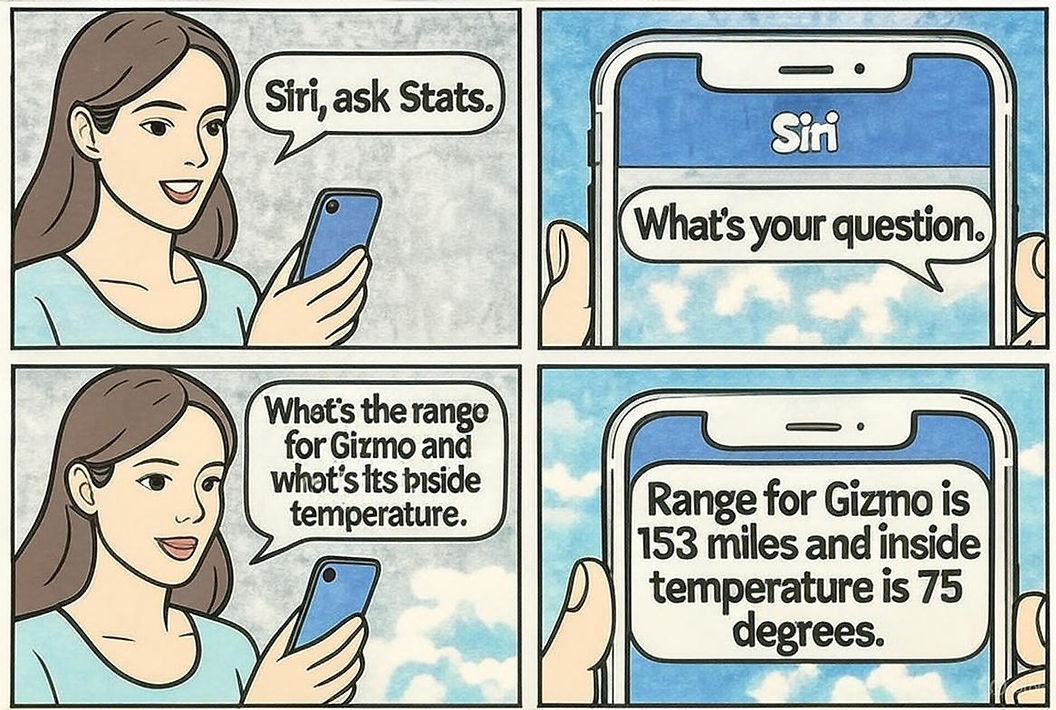
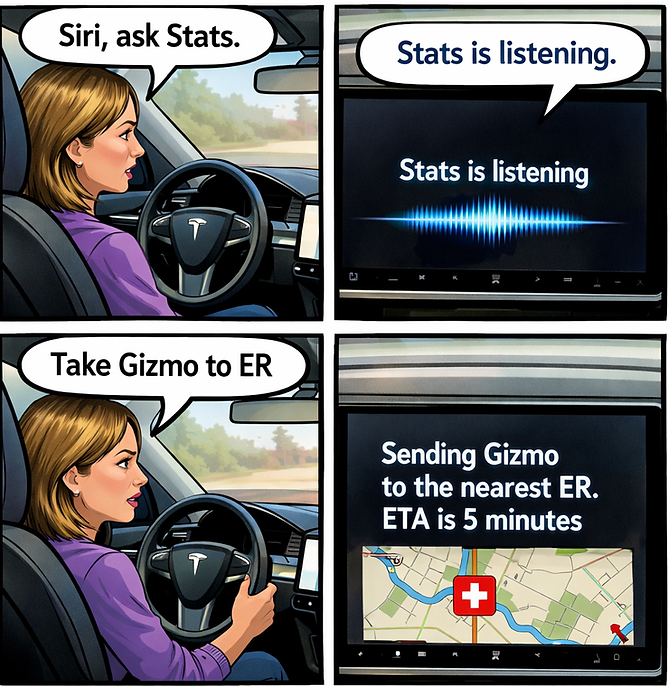
- Stats also supports complex natural-language commands through "Siri, ask Stats"
- Sensitive commands require confirmation before they run
 Ask Siri with Stats
“Check Gizmo in Stats”
“Precondition Gizmo with Stats”
“Vent windows for Gizmo with Stats”
“Pop the frunk on Gizmo with Stats”
Complex natural-language commands Stats also has another Siri integration for more complex requests. Say “Siri, ask Stats,” then try: “Set the temperature for Gizmo to 72 if the inside temperature is higher than 85”
Weather card
See today's forecast right on the main screen.
The new weather card shows current conditions and today's forecast for your location — current temperature, high and low, precipitation chance, and how the day unfolds from here.
- Current temperature with today's high and low
- Hour-by-hour temperature graph for the rest of the day
- AI-generated weather artwork with a time-of-day sky fallback

Rain protection
Windows close before the rain arrives.
Stats watches the hourly forecast and closes the car windows automatically when rain or snow is expected within the next two hours.
- Acts only when parked, locked, and unoccupied
- Smart Venting pauses while precipitation approaches

Smart control
Talk to your Tesla naturally.
Ask Siri to perform actions in natural language, jump into Stats shortcuts, or route to the nearest ER when it matters.
- Siri natural-language requests
- Nearest ER routing when it matters
- Quick actions across iPhone and Apple Watch
AI Command Widgets
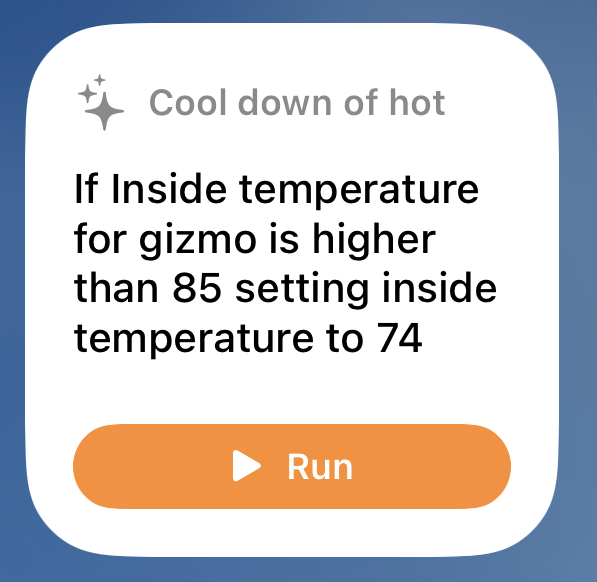
Run natural-language Tesla commands with one tap.
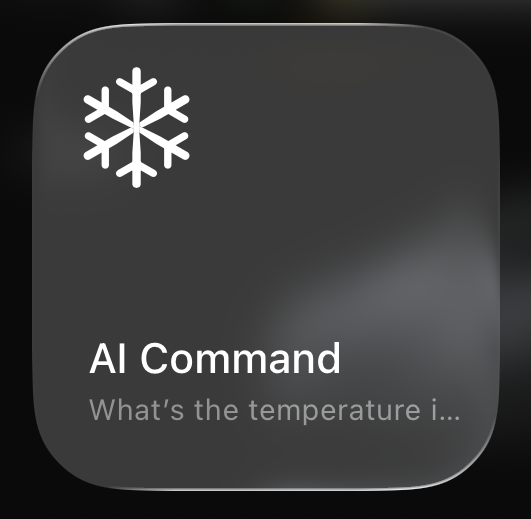
Add AI Command widgets to your Home Screen, Control Center, or Lock Screen and configure the exact command you want Stats to run. Use everyday language for personalized routines like climate checks, charging adjustments, or multi-step convenience commands.
- Home widget with a configurable AI command and Run button
- Control widget for iOS 18 Control Center and Lock Screen access
- Custom name, icon, and command text for your favorite workflows
- Status notifications show progress and final command results
Dashcam & Sentry Viewer
Find human activity in Sentry videos faster.
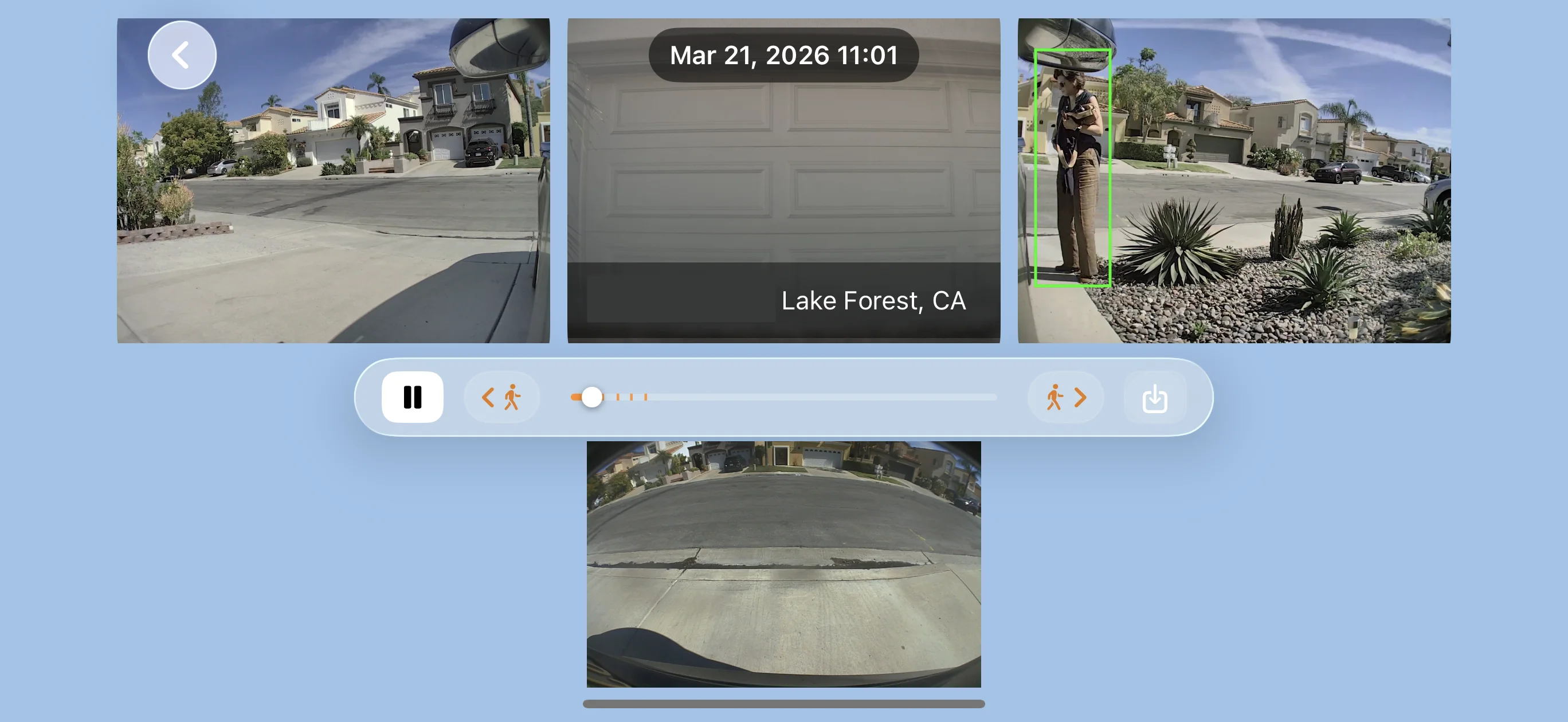
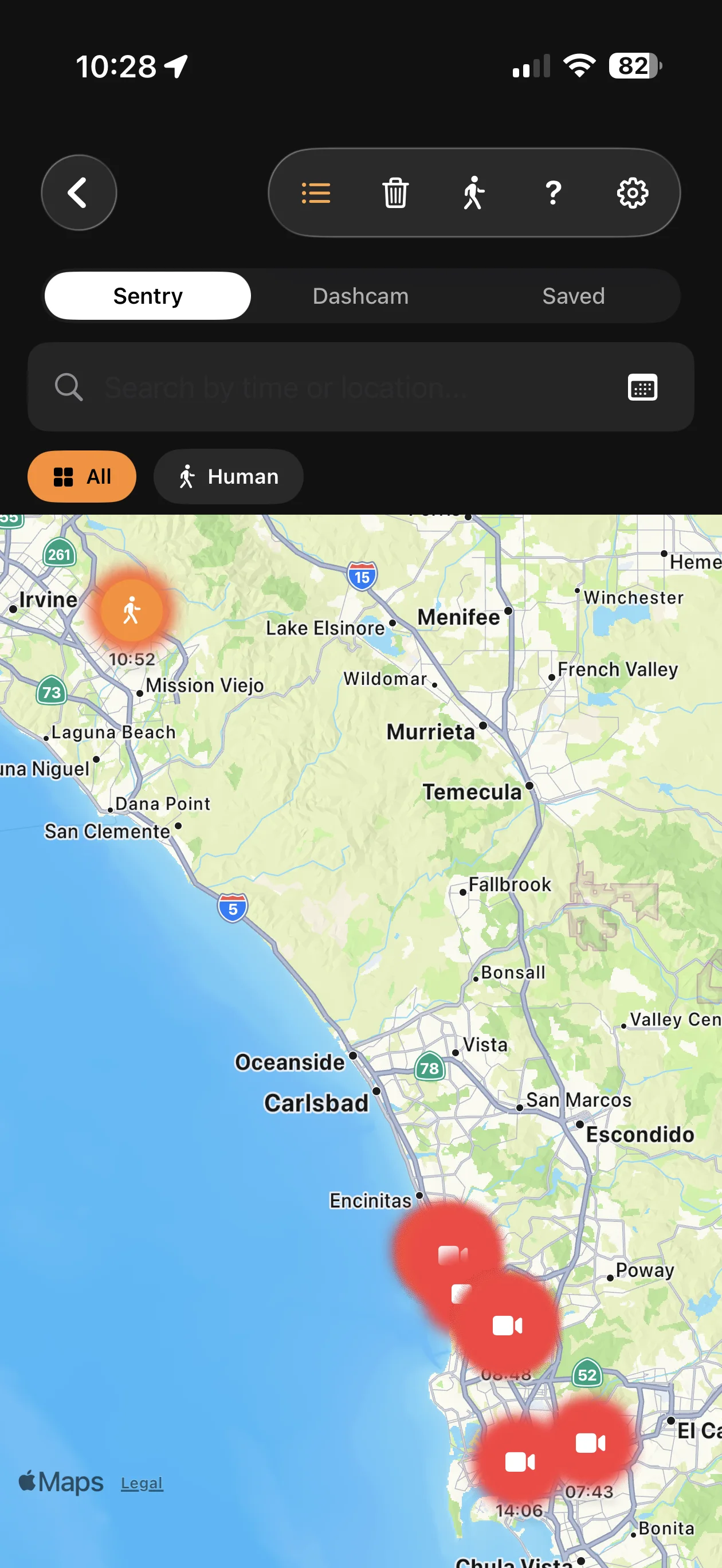
Stats can scan Sentry clips with private on-device machine learning, flag moments where a person appears, and make those moments easier to review directly on your device.
- Local AI human detection keeps analysis on your iPhone or iPad
- Human markers appear on the playback timeline for quick review
- Dedicated skip controls jump straight to scenes with detected people
- Event Map lets you browse Sentry and Dashcam events by location, including a Human filter
Sentry alerts
Let your car respond when Sentry detects an event.
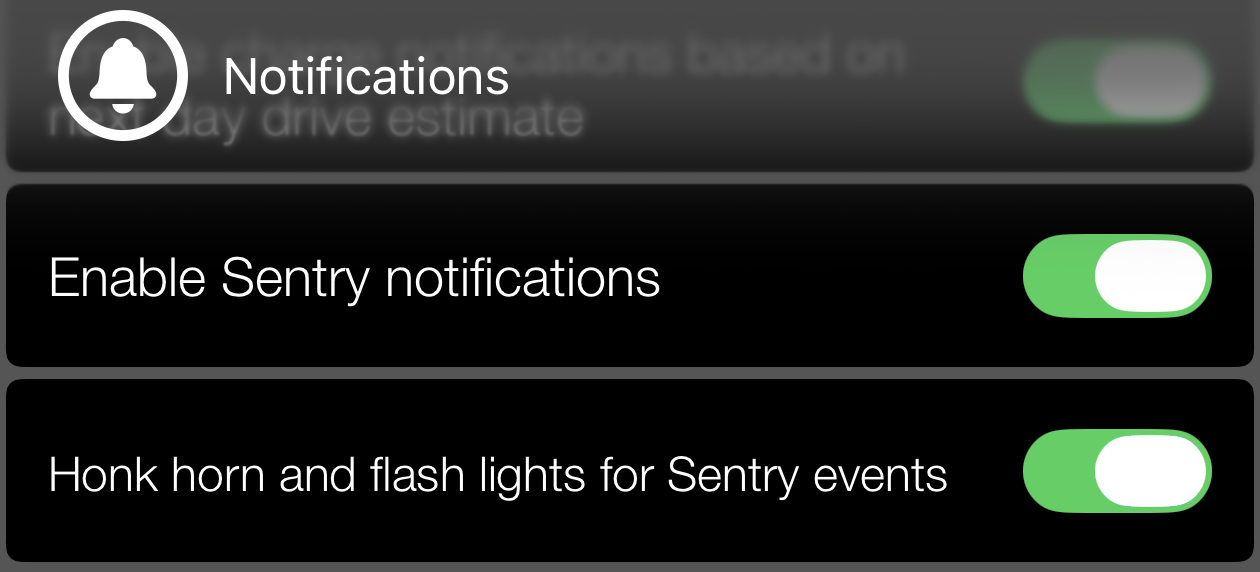
Configure Stats to honk the horn and flash the lights when a Sentry event is detected, adding a visible and audible alert when your car needs attention.
FSD Utilization
See how your FSD utilization compares.
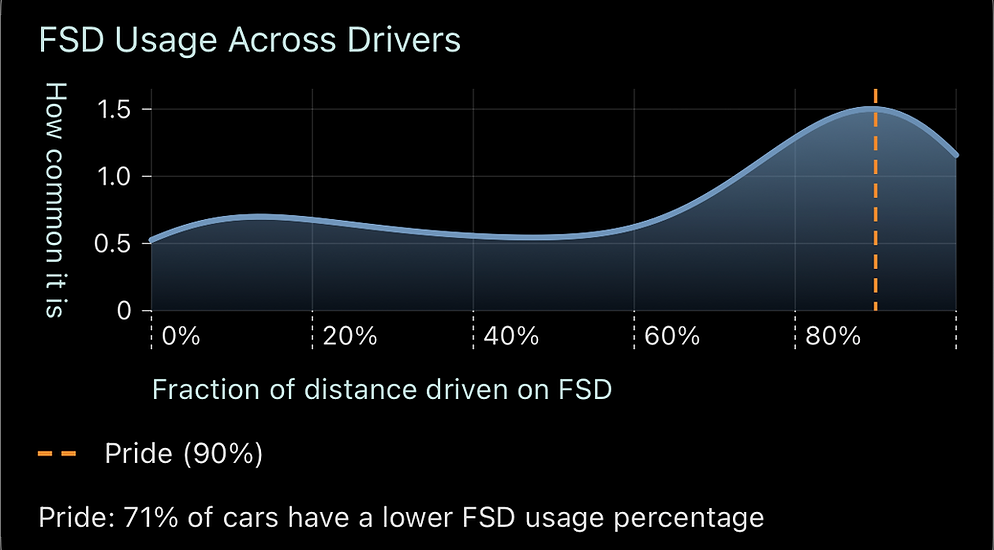
You can now see a distribution of FSD utilization across users in the Compare tab. If your car has FSD and HW4, Stats also shows where your utilization lands against other users and surfaces that utilization on the main screen of the app.
Heads Up Display
Bring key vehicle info to the foreground.
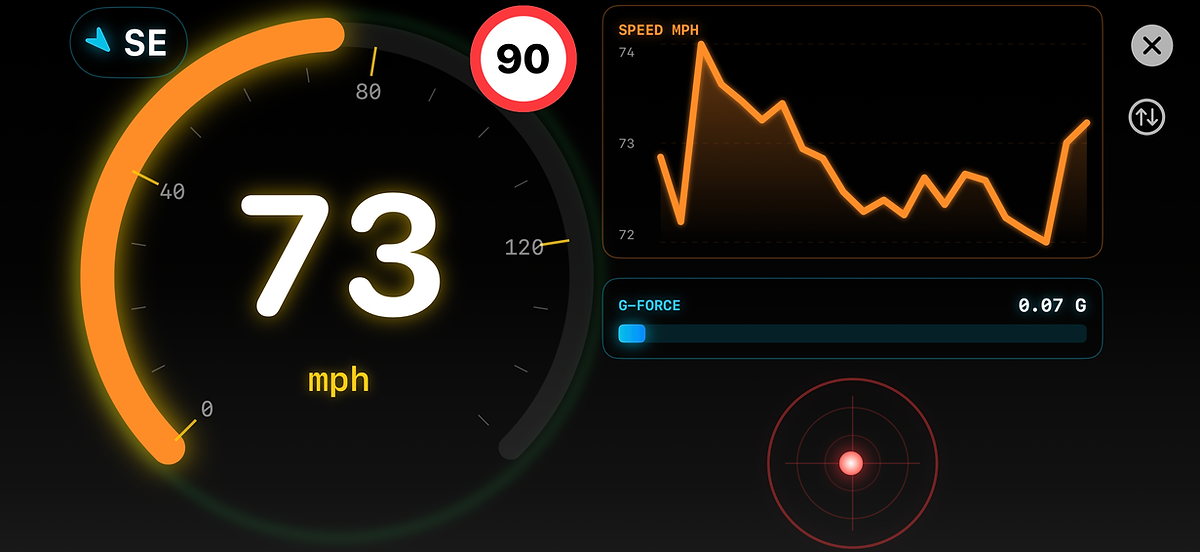
The Heads-Up Display gives you an at-a-glance read on essential driving details when you want less hunting and more context.
Charging with the sun
Match charging power to your solar production.
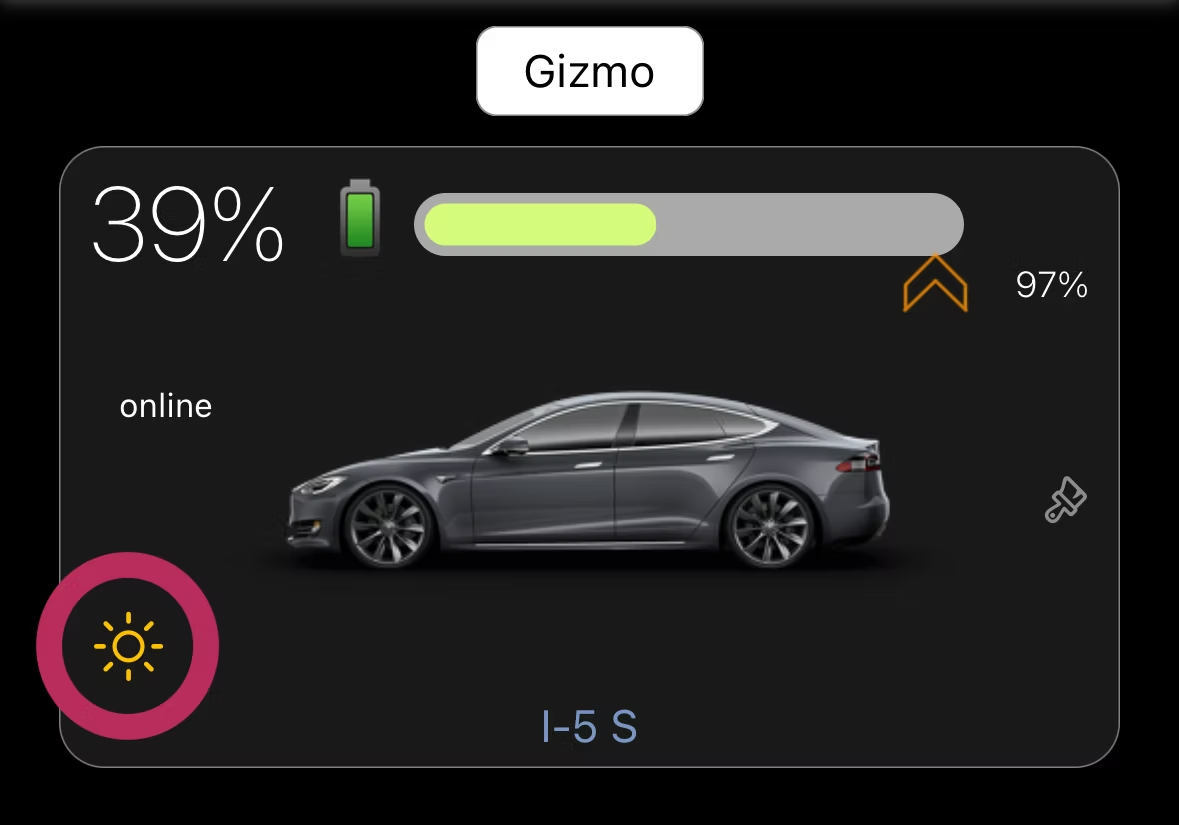
When enabled, Stats adjusts your Tesla charging power to follow what your solar panels are producing, helping your power meter stay close to zero while the car charges.
- Helps avoid transmission costs when solar covers the session
- Reduces battery charging and discharging waste when you have home batteries
- Shows the sun icon only while the car is actively charging
- Applies per charging session and returns to regular max-power charging after charging stops
Apple Watch
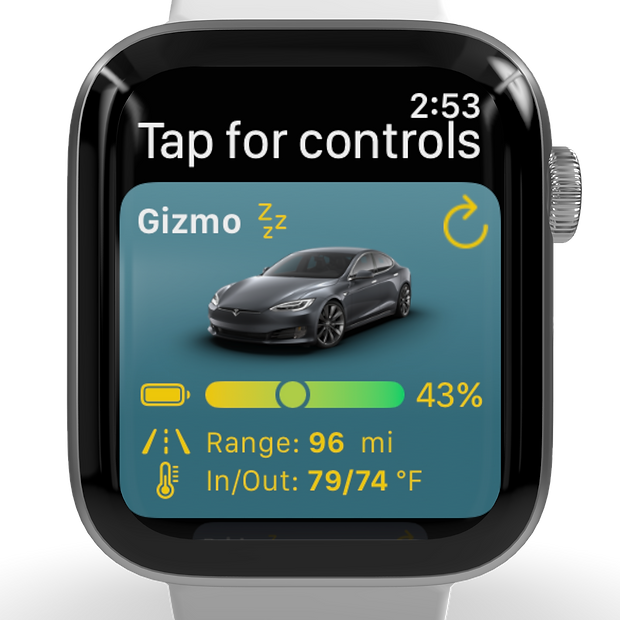
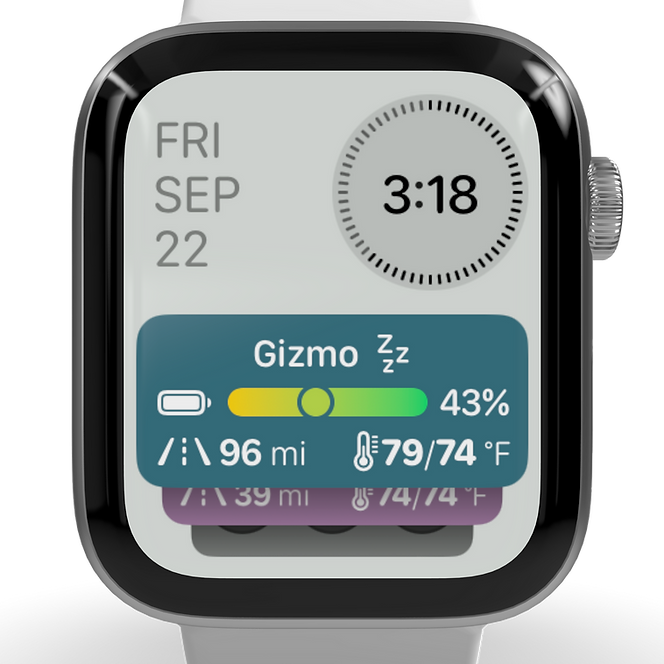
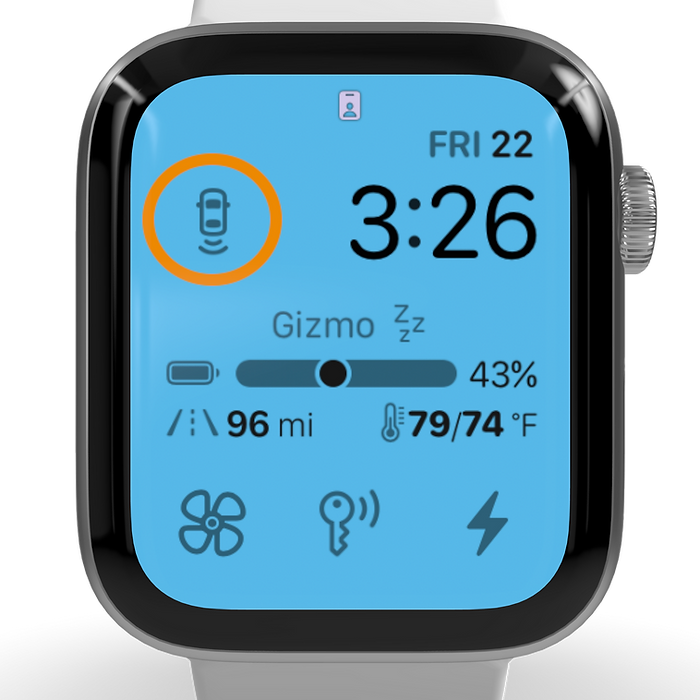
Control your Tesla from your wrist.
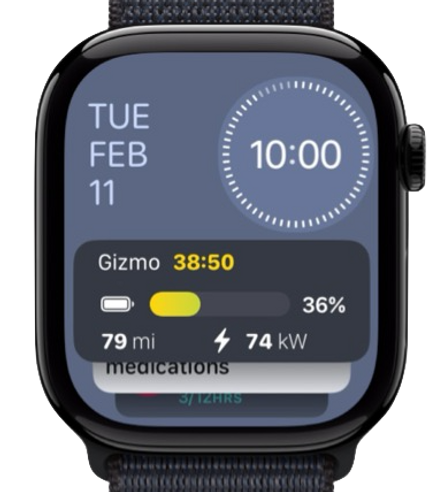
Use rich watch actions, check charging progress, and keep key Tesla controls close for the moments when your phone is not in hand.
Weekly Insights
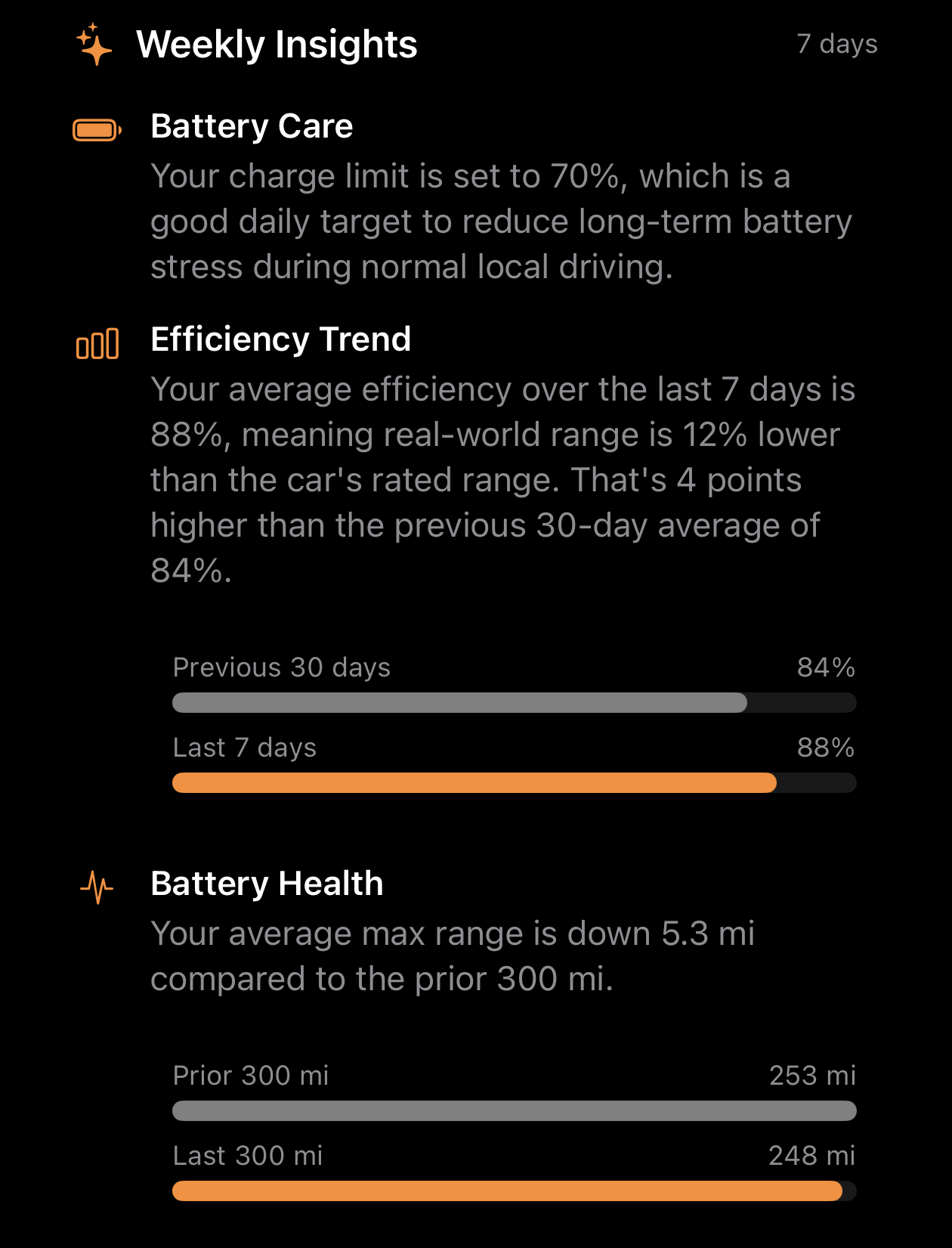
Understand your car's recent performance at a glance.
Weekly Insights appear at the bottom of the main screen and summarize the last 7 days of driving, efficiency, and battery behavior.
- Battery Care evaluates your charge limit against your daily driving habits
- Efficiency Trend compares the last 7 days with your previous 30-day average
- Efficiency vs. Temperature shows how outside temperature affects real-world efficiency
- Battery health context helps you maintain long-term range and battery care
Watch Shake
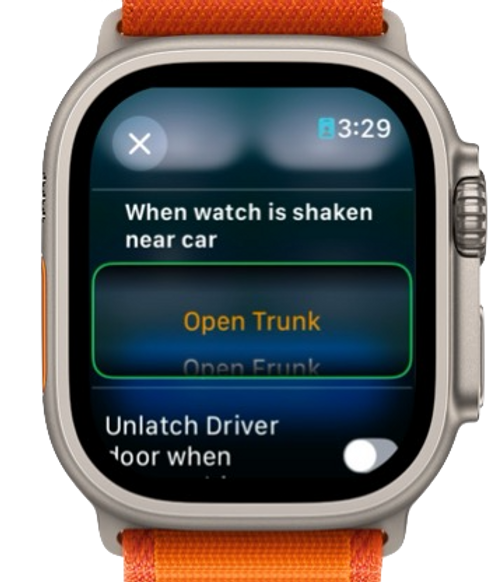
Trigger Tesla actions with a shake of your wrist.
Stats adds a quick Apple Watch gesture so you can launch fast routines and get to useful car actions even faster when you are on the move.
Smart Venting
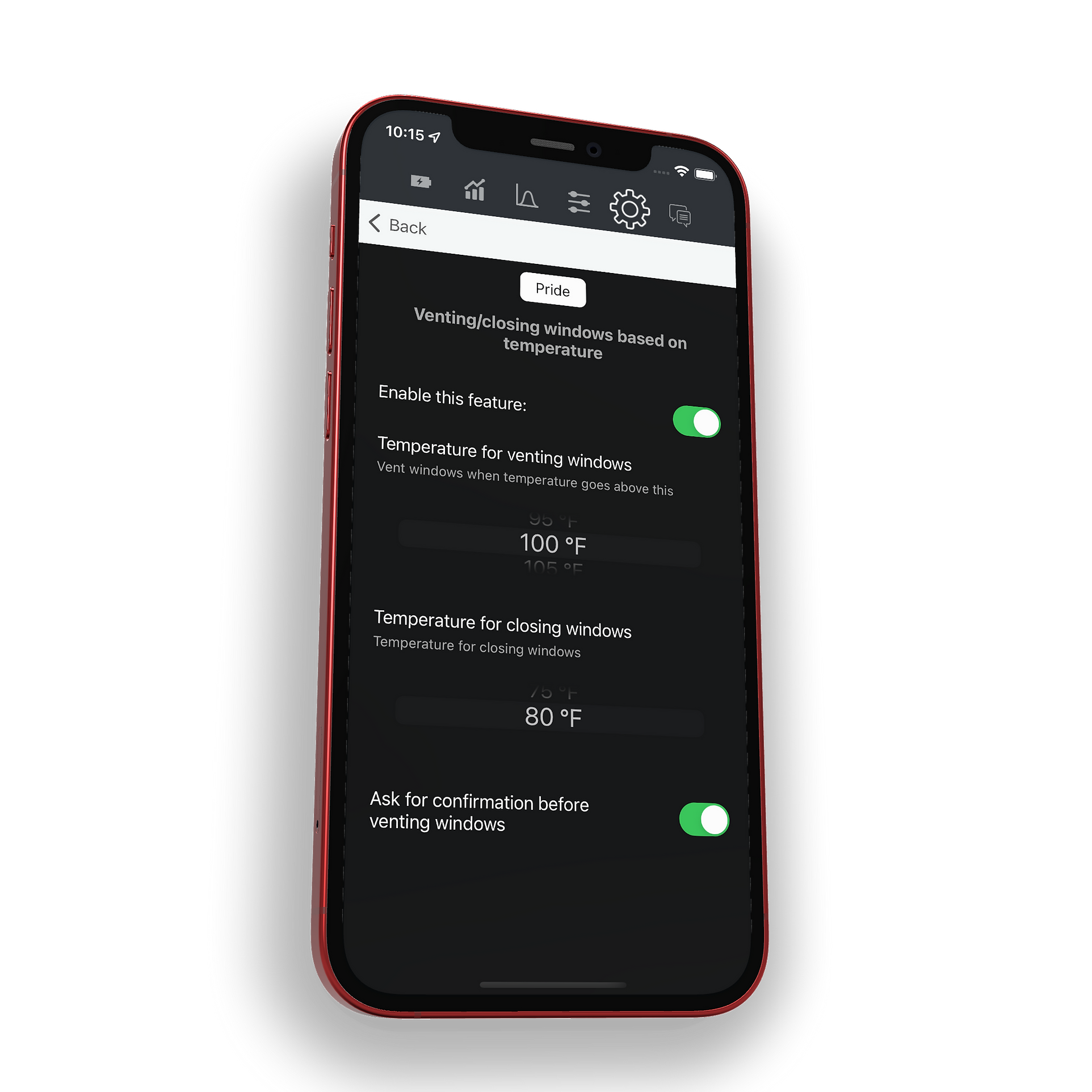
Automatically vent and close windows based on cabin heat.
Stats will vent the windows if inside temperature exceeds the limit you set, then close the windows again once temperature drops below that threshold. You can require confirmation first or let the app handle it automatically.
Car Maintenance
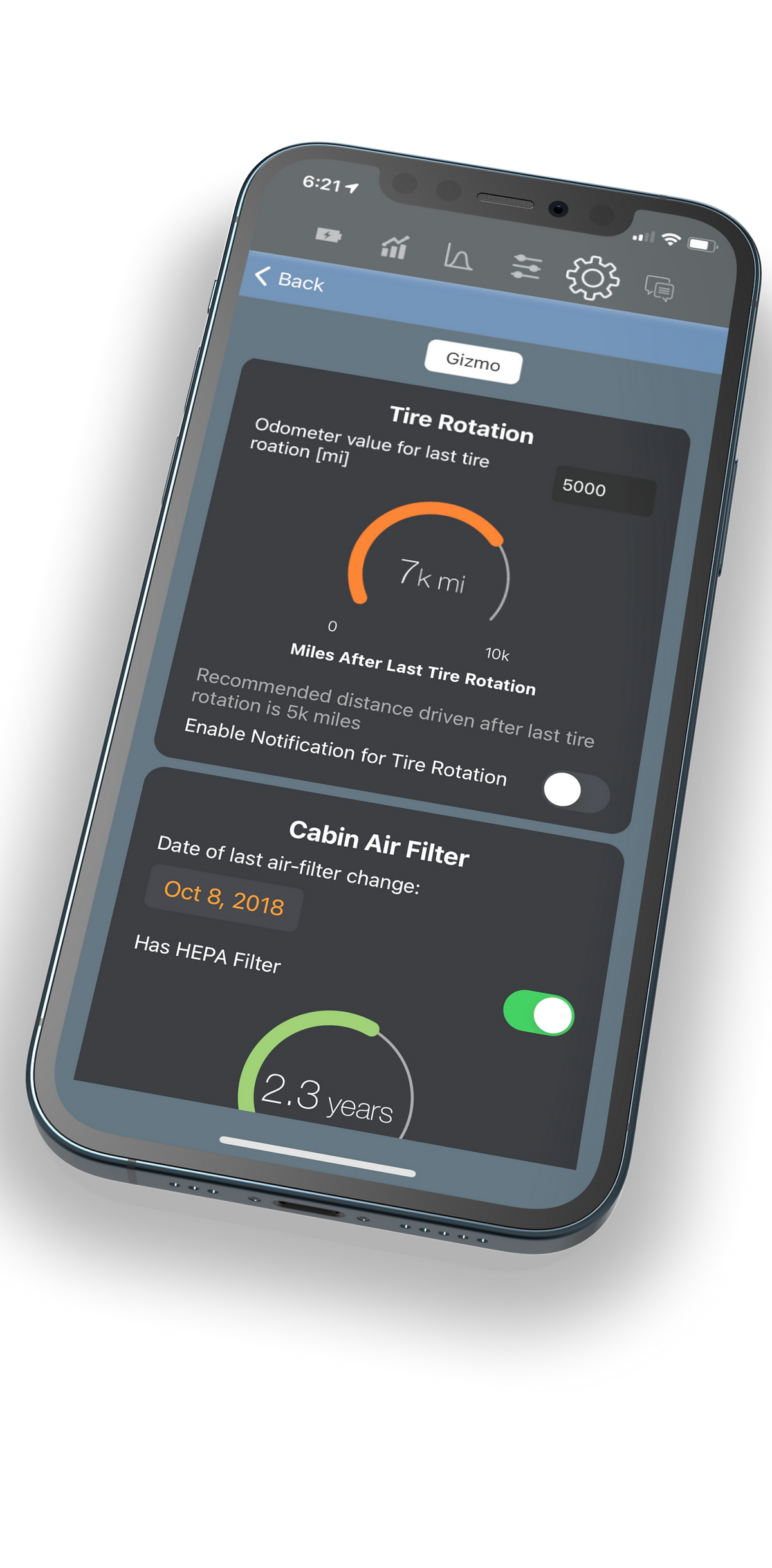
Track service intervals and get reminded at the right time.
Stats keeps track of your car maintenance and sends notifications when it is time to perform a service, helping you stay ahead of routine upkeep directly from the app.
- Tire rotation
- Cabin air filter
- Brake fluid test
- AC service
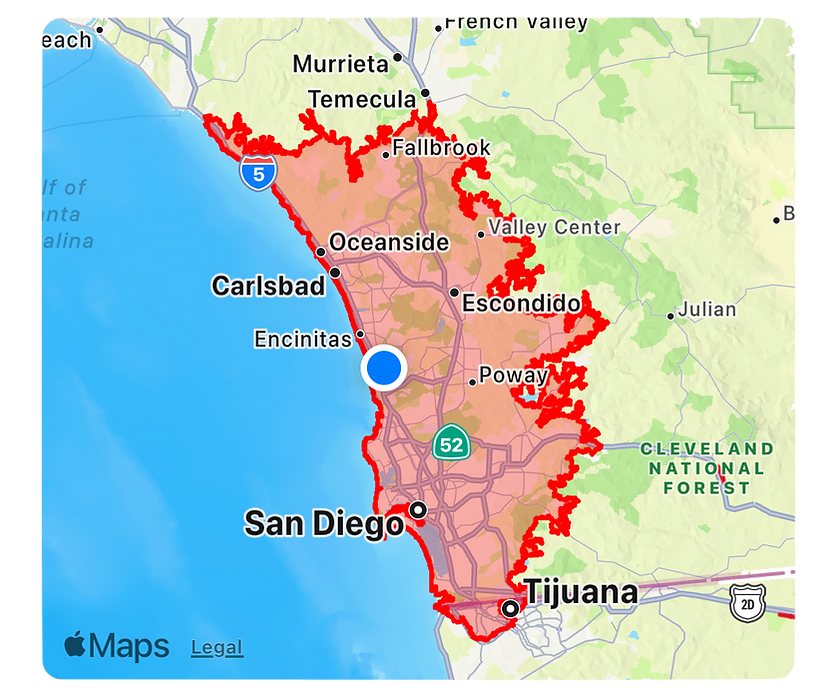
Low Battery Range
See how far you can still travel on the map.
When the estimated range drops below 100 km (62 mi), Stats shows your remaining reachable area on the map so you can make a quicker charging decision with less guesswork.
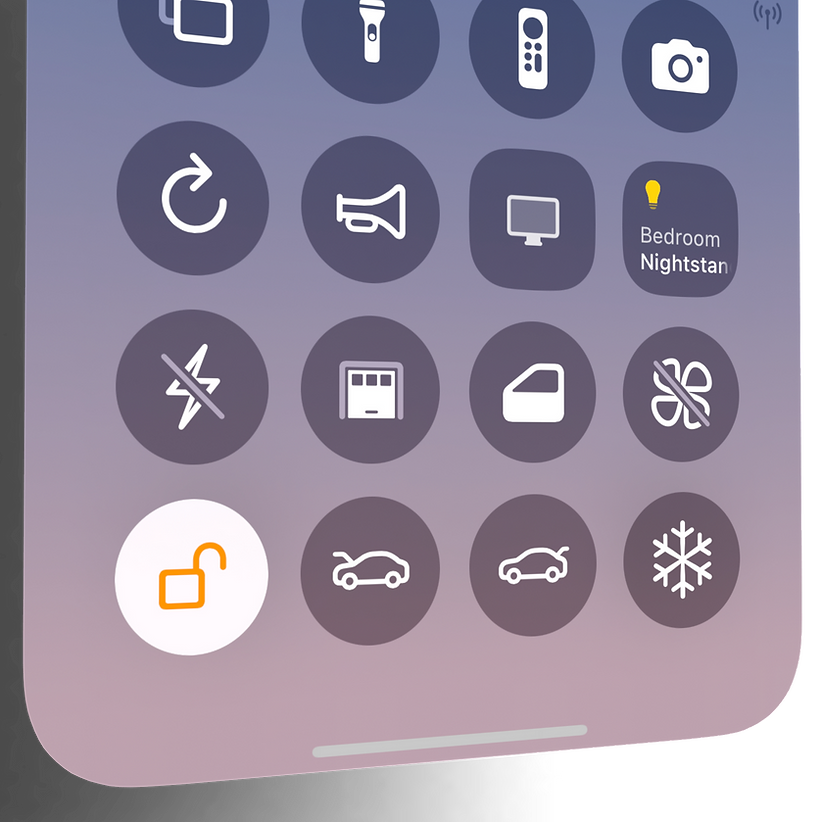
Controls everywhere
Keep useful controls close across iOS.
Stats extends to widgets, Control Center, and other system surfaces so common actions, AI commands, and live vehicle info are never far away.
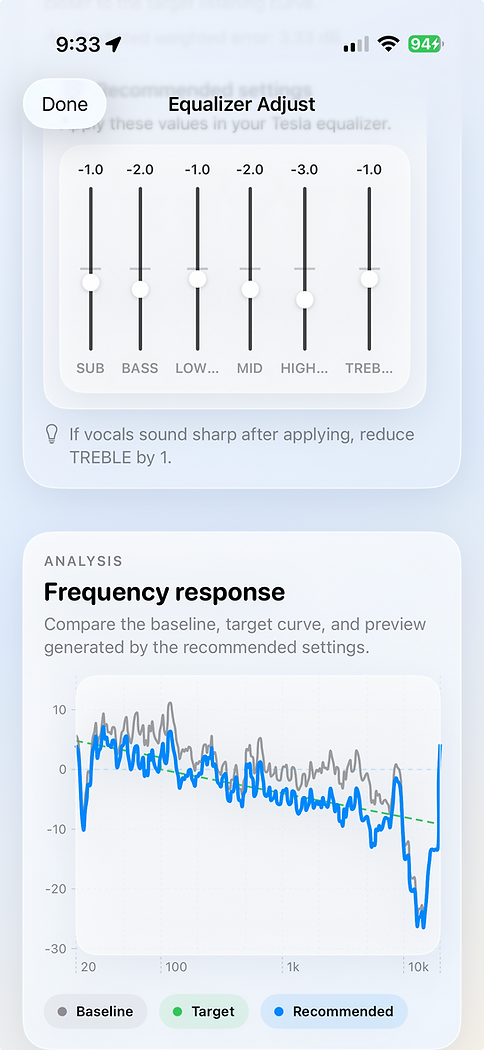
Newest utility
Adjust Equalizer
Fine-tune audio settings directly from Stats when you want one more polished control surface in your Tesla workflow.
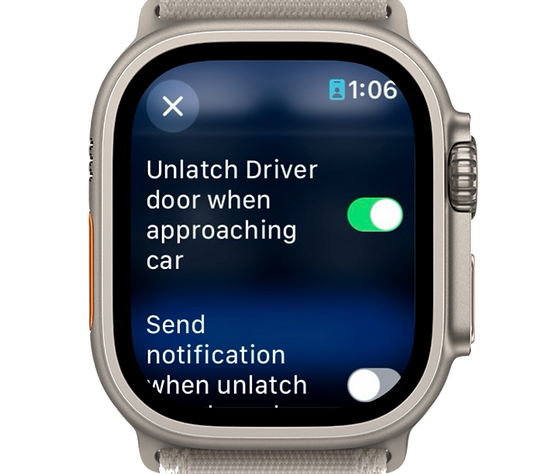
Approach unlock
Auto Unlatch
The exclusive Auto Unlatch feature automatically unlatches the driver door when you approach the car using your watch, but it stays inactive if the car is already unlocked so it does not trigger every time you pass through familiar places like your garage.

Deep insights
The kind of data Tesla owners keep coming back for.
Stats pairs convenience with unusually rich visibility into battery behavior, trip performance, and long-term vehicle trends.
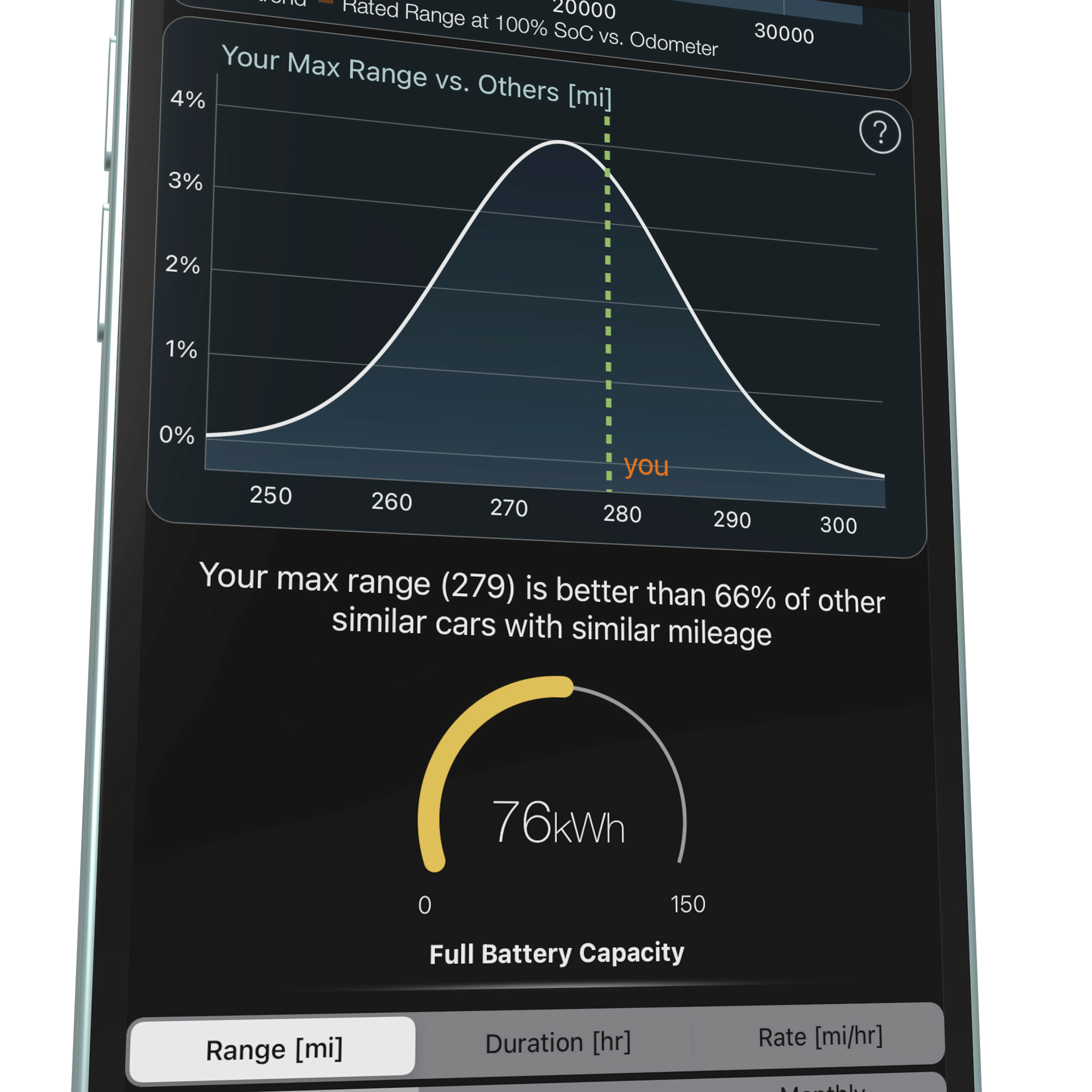
Battery health and capacity
Track capacity over time and understand battery condition with visuals built for owners who want more than a rough estimate.
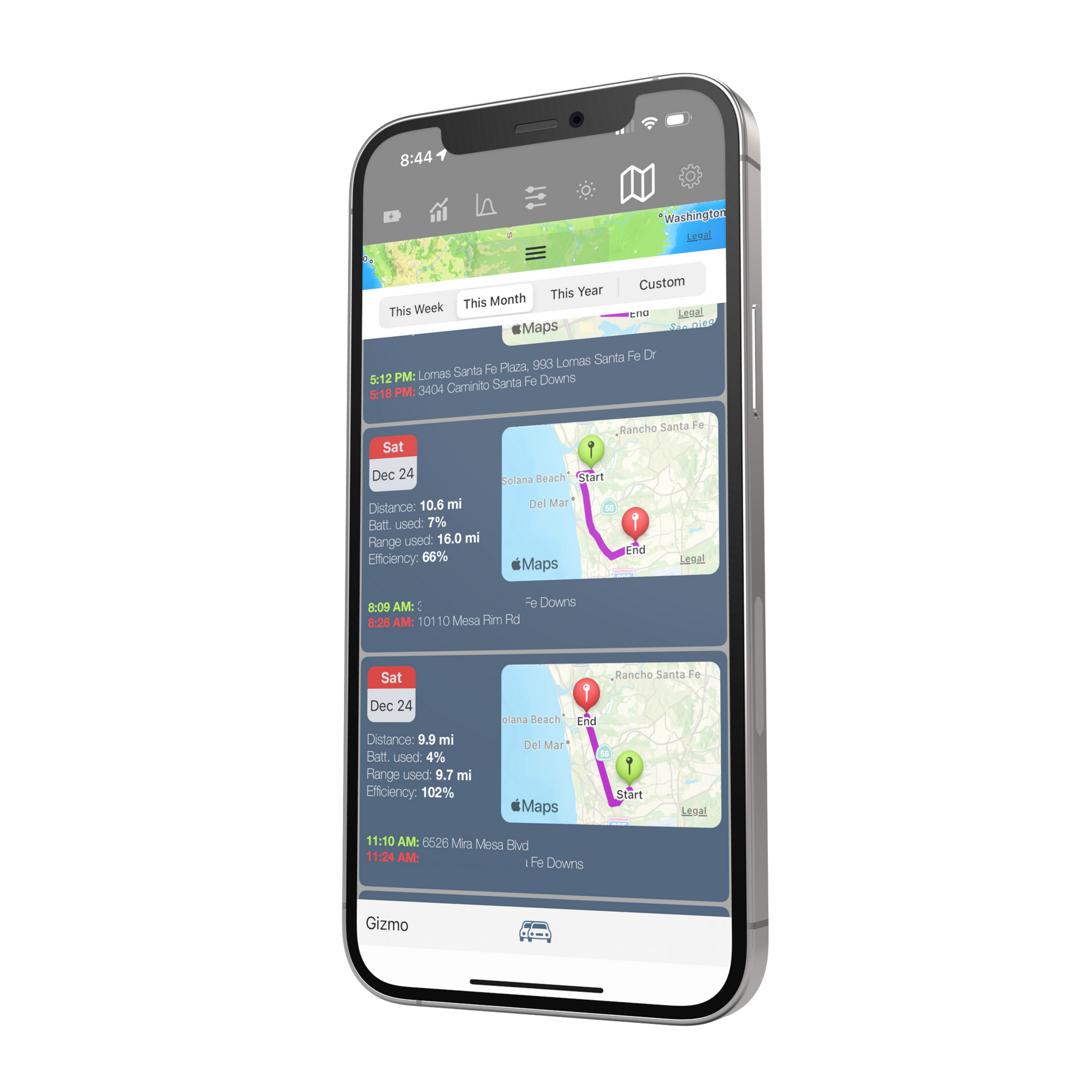
Trip and energy tracking
Review drives, consumption, efficiency, and patterns that make road trips and day-to-day driving easier to understand.
Vehicle state intelligence
Monitor climate-relevant data, temperature trends, and convenience signals that support smarter automation decisions.
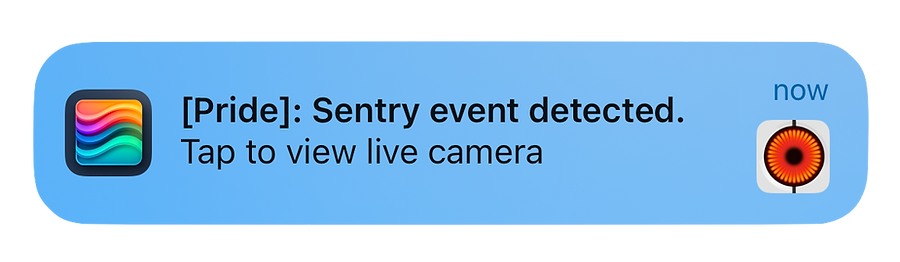
Sentry Notification
When the car detects a sentry event, Stats issues a notification. Tapping it takes you straight to the Tesla app so you can view live cameras or watch the recorded sentry clip.
Beyond the phone
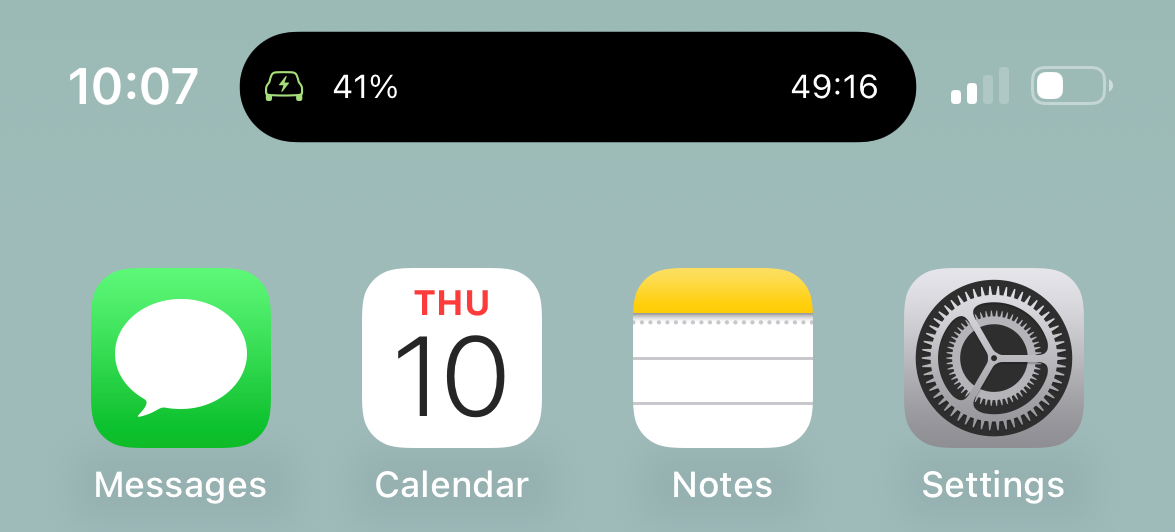
Widgets, lock screen, live activity, Apple Watch, and more.
Stats is designed to meet you where you are: on the Lock Screen while charging, in Control Center before you walk outside, on Apple Watch when your hands are full, and in the app when you want the full picture.
Trust and fit
Built for people who care about control, detail, and polish.
Official Tesla API
Stats supports Tesla’s official API approach and recent platform changes, including Tesla-hosted sign-in flows.
Thoughtful battery behavior
The app is designed to avoid unnecessary wakeups so rich insight does not have to come with avoidable phantom-drain tradeoffs.
Recent capability upgrades
Features highlighted on the latest product experience, like AI Command widgets, Adjust Equalizer, Siri upgrades, AutoNav, Control Center support, and Live Charge Activity, take priority here.
Privacy
Built around official access and careful handling.
Stats uses Tesla-hosted authentication flows and official Tesla API support, which means your Tesla email address and password are not entered into Stats itself.
The app is designed to surface rich information and controls while being mindful about unnecessary vehicle wakeups, helping reduce avoidable phantom-drain impact.
Stats does not share your data with any other company, service, or third party.